



BetSixty Casino App: Mobile Casino Gaming
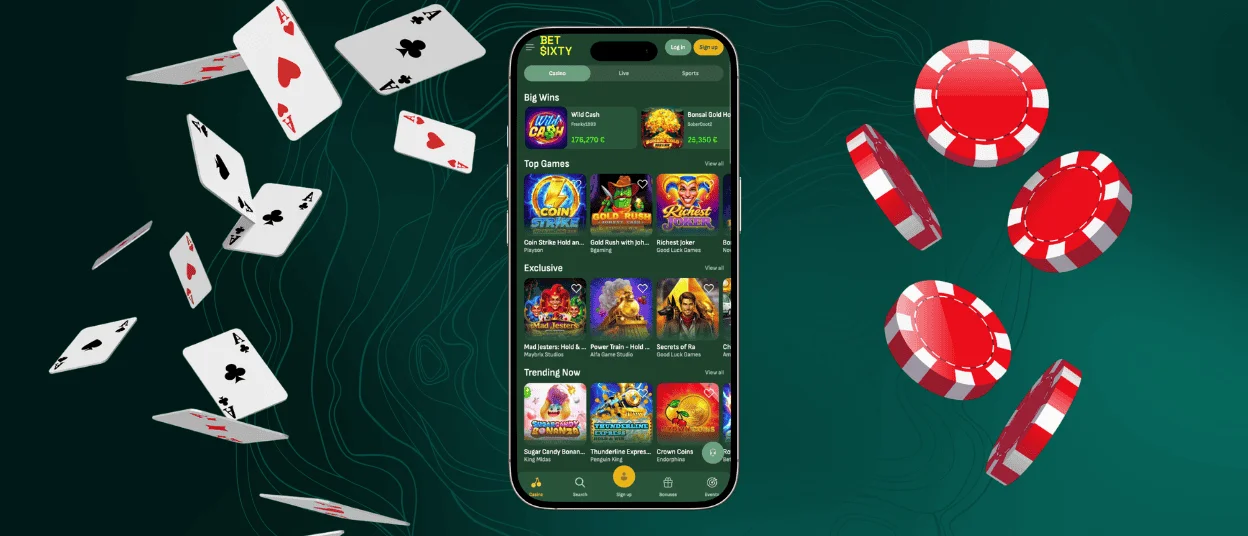
The BetSixty app exists so that a session never has to wait for a computer. It installs straight from the browser and takes up almost no storage, which is why so many members in the Netherlands keep it on the home screen. This way, you can open the same account with the same balance a member uses everywhere else. After that first setup, the icon on the home screen is all that separates a free minute from a running game.



Key Features of BetSixty Mobile Platform
The move to a phone doesn’t cut anything from the experience — the full BetSixty catalog carries over intact, and a handful of extras make the mobile version even more convenient to use day to day:
- Instant load: the lobby opens from a home-screen icon, skipping the address bar entirely.
- Full parity: the complete game catalog transfers to mobile, together with the sportsbook section.
- Touch controls: portrait layouts and single-tap betting suit on-the-go sessions.
- Live support: the support team stays reachable through a floating chat icon during any mobile session.
- Background updates: each launch pulls the current build automatically, with nothing to install manually.
Battery and data use are also very low, since cached elements load faster on repeat visits than on a first-time page load.
BetSixty Casino for iOS
On an iPhone or iPad, the whole setup happens inside Safari’s Share menu — three taps in total:
| What to Tap | Where to Find It | What Happens Next |
| The Share button (a square with an upward arrow) | Safari’s toolbar | A menu of saving options opens |
| Add to Home Screen | Lower part of the Share menu | A preview of the icon appears, with an editable name |
| Add | Top-right corner of the preview | The icon lands on the home screen, ready for full-screen launch |
Once the shortcut is in place, it behaves like a standalone application rather than a bookmark: it opens full-screen without any browser controls around it, and login details carry over from the previous session without asking again. Safari’s rendering engine keeps animations and live video streams smooth, and iPad screens, in particular, give live dealer tables extra room compared to a phone.
Document uploads for the verification process follow the same flow as on desktop, so an upload started on a computer can be resumed on an iPhone without restarting.
How to Install BetSixty Application on Android Devices
Chrome is the recommended browser for Android setup on Bet Sixty, and the process takes only a few taps:
- Open the BetSixty website in the Chrome app.
- Tap the three-dot menu next to the address bar.
- Select Add to home screen, then confirm with Add.
- Locate the new icon in the app drawer and place it wherever it’s convenient.
This route replaces the need to look for an APK file anywhere outside the browser, along with the risks that come with installing files from an unofficial source.
Performance is consistent across device tiers, because game rendering happens on the server side rather than relying on local hardware, and the same install can be repeated on a new phone in under a minute without losing any account data. Notification permissions can be set in the device settings, which keeps promotional alerts and account updates visible without an extra app running in the background at all times.
BetSixty APK
Installation on Android runs entirely through Chrome, so no APK file needs downloading from anywhere outside the browser. We strongly advise against installing any file advertised as a Bet Sixty APK on third-party sites, since those builds come from unverified sources and put both the device and the account at risk. The browser-based method above is the only installation path we confirm, and it keeps every security setting on the phone untouched.
Bet Sixty on Windows and macOS
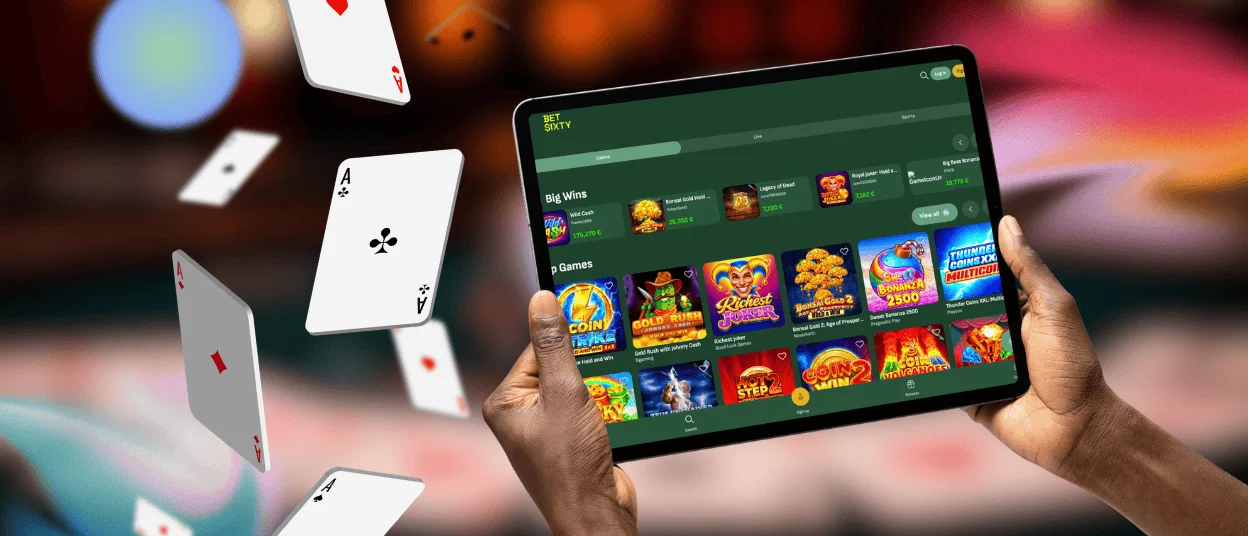
A standard browser is all that’s needed to reach Bet Sixty from a desktop computer, and Chrome and Safari cover the installation route on both operating systems. Creating a shortcut through the browser’s menu — Create shortcut in Chrome, or Add to Dock on macOS — turns the site into a standalone window that opens without the usual browser interface around it.
Large monitors add real value on the Bet Sixty Casino site, particularly for live dealer formats and sportsbook pages with several markets open side by side. A mouse also makes precise bet placement easier on crowded tables. Because the same account data syncs across every device, a session started on a desktop can continue on a phone through the BetSixty app without any manual transfer.
Tips for Mobile Compatibility
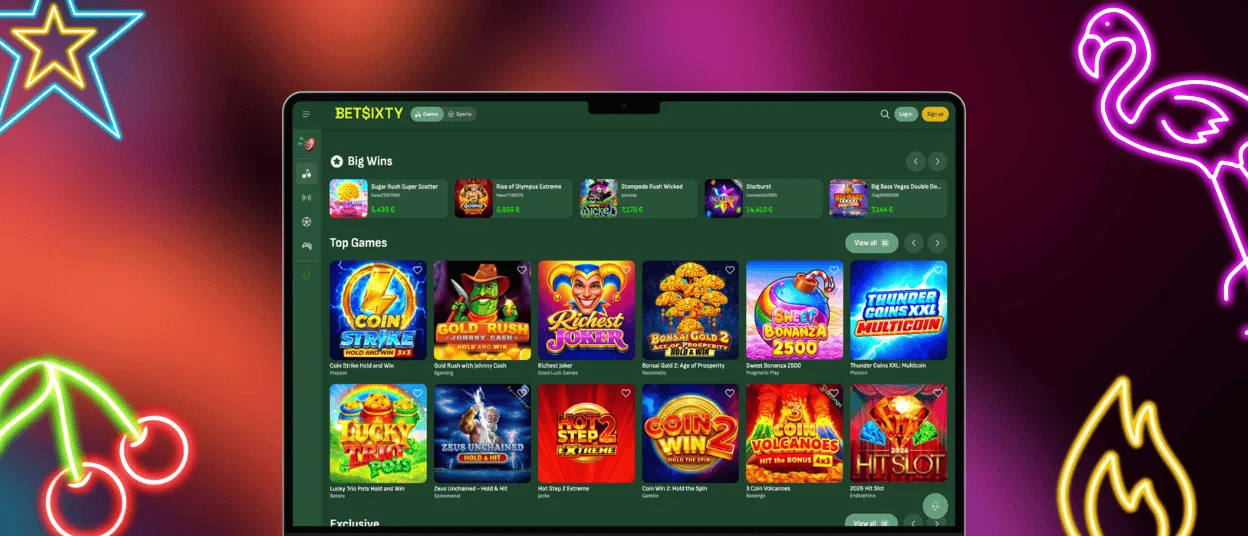
A handful of conditions keep the BetSixty mobile casino experience running smoothly, particularly during longer live sessions.
| Factor | Recommended Setup | Effect on the Session |
| Network | Stable Wi-Fi or strong 4G/5G signal | Prevents buffering during live streams |
| Browser version | Latest Chrome or Safari release | Ensures new game engines render correctly |
| Operating system | Recent Android or iOS build | Keeps animations in feature-heavy online slots smooth |
| Device storage | Some free space for cached files | Speeds up loading on repeat visits |
| Battery level | Above 20% or connected to power | Avoids interruptions during longer tournaments |
None of these factors demand new hardware for the BetSixty app — most devices already meet them by default, and checking each one takes under a minute before a session begins.
FAQ
Does the BetSixty App Require Manual Updates?
No manual step is involved. Every time the BetSixty app launches, it loads the current version directly from the server, so new features and fixed issues appear without a download prompt. The gaming experience stays current without any action from the account holder.
Can Account Verification Be Completed From a Phone?
Yes. Document uploads for the Bet Sixty verification process work through the same profile section on mobile as on desktop, and you can take photos directly with the device camera. The review process runs identically regardless of which device submitted the files.
Is a Separate BetSixty Casino Account Needed for the App?
No separate registration exists for the mobile version. The same login used on a computer opens the identical BetSixty Casino account on a phone. Balance and bonus progress carry over automatically, and full account history is visible from the same profile screen.


